



CM Aura Wireless Apple CarPlay Adapter | CAR MASTER
- ameernaif7@outlook.com
- Carplay Device

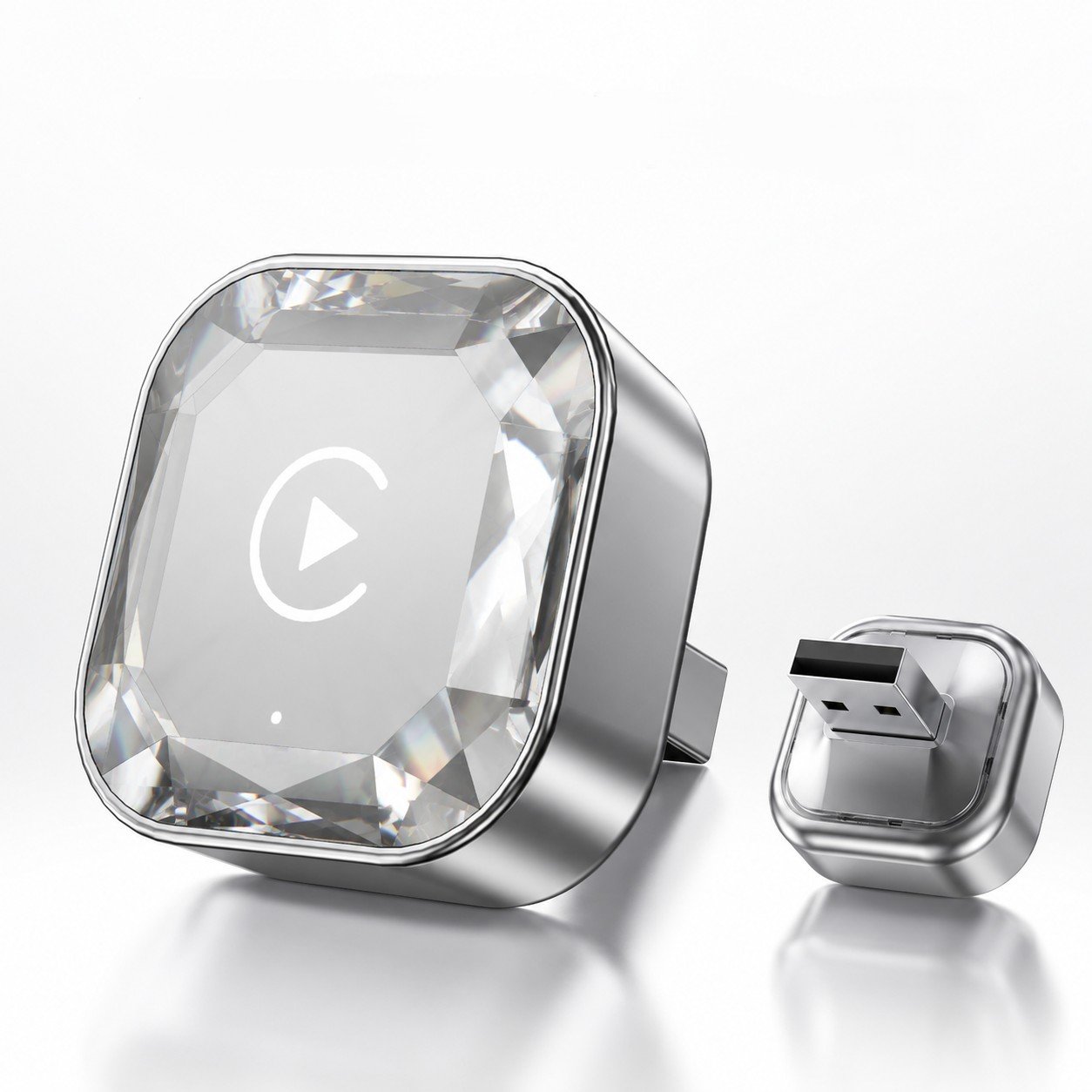
CM Aura: How to Turn Wired Apple CarPlay into Wireless CarPlay
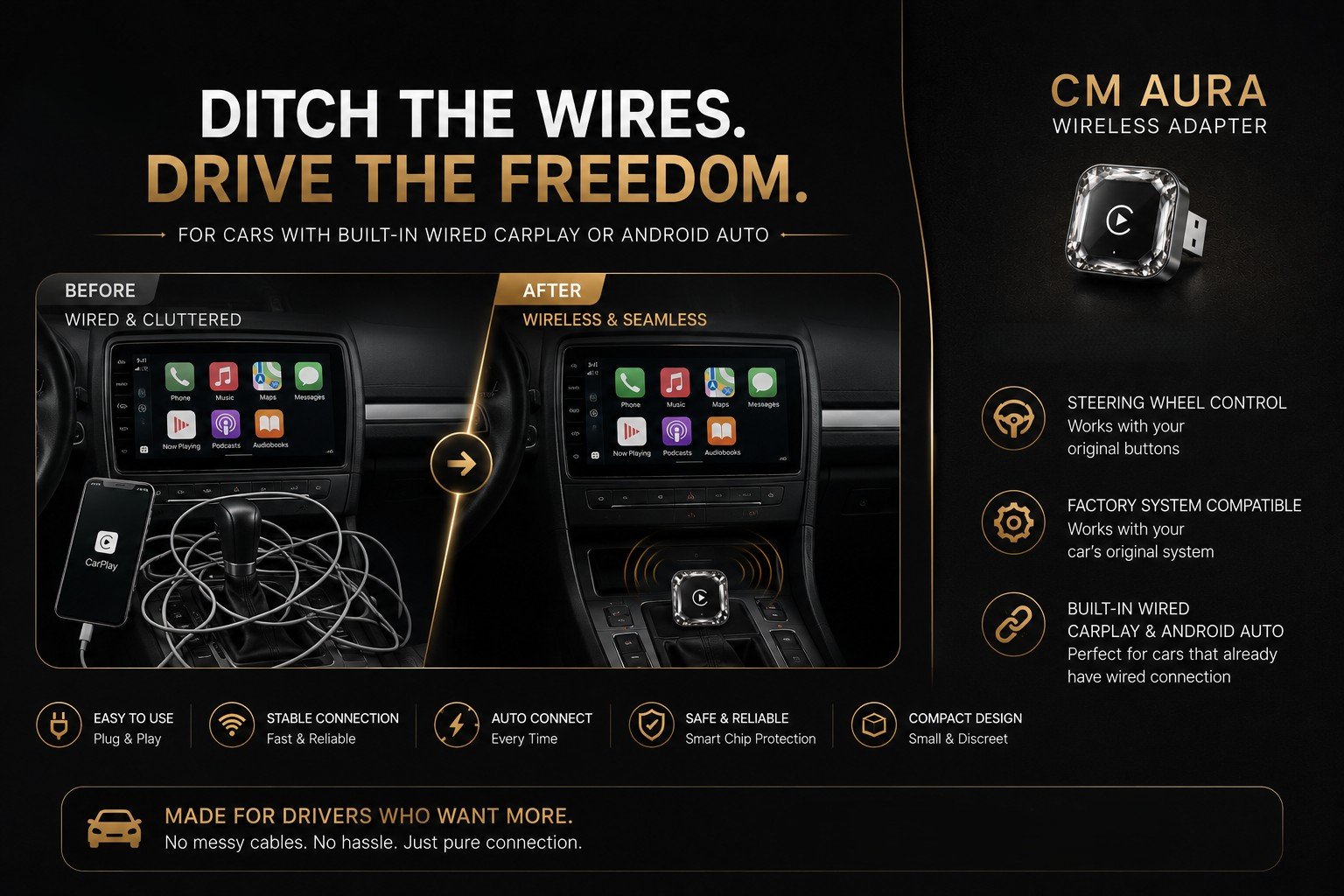
If your car supports wired Apple CarPlay, you already have access to many useful smartphone features directly from your car’s display. However, connecting your iPhone with a USB cable every time you get into the car can become inconvenient.
This is where CM Aura comes in.
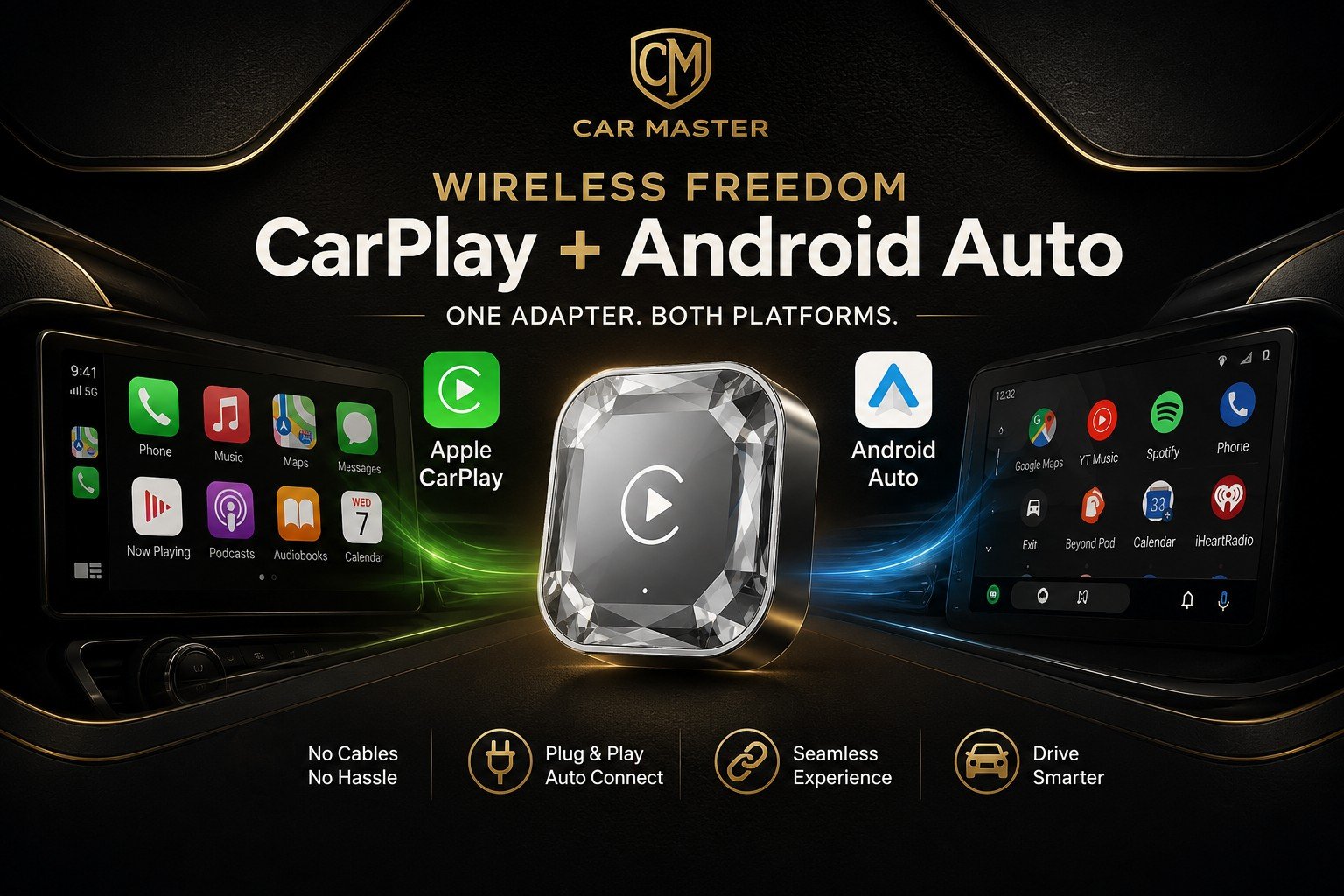
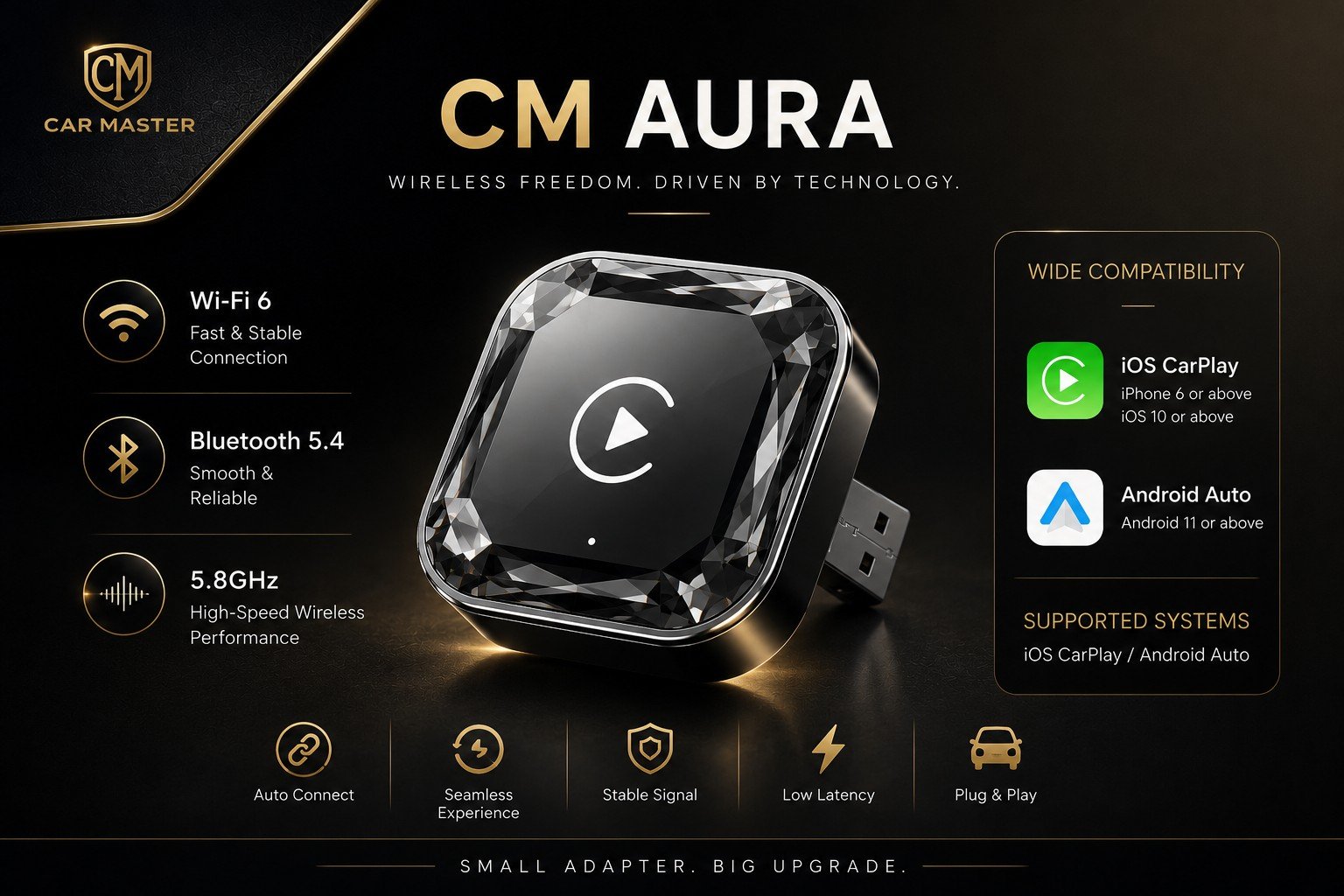
CM Aura is a compact Wireless Apple CarPlay Adapter designed to make your daily driving experience more convenient by converting compatible wired CarPlay systems into a wireless connection.
Instead of connecting your phone with a cable every time, CM Aura allows you to connect your smartphone wirelessly and enjoy a cleaner and more convenient CarPlay experience.
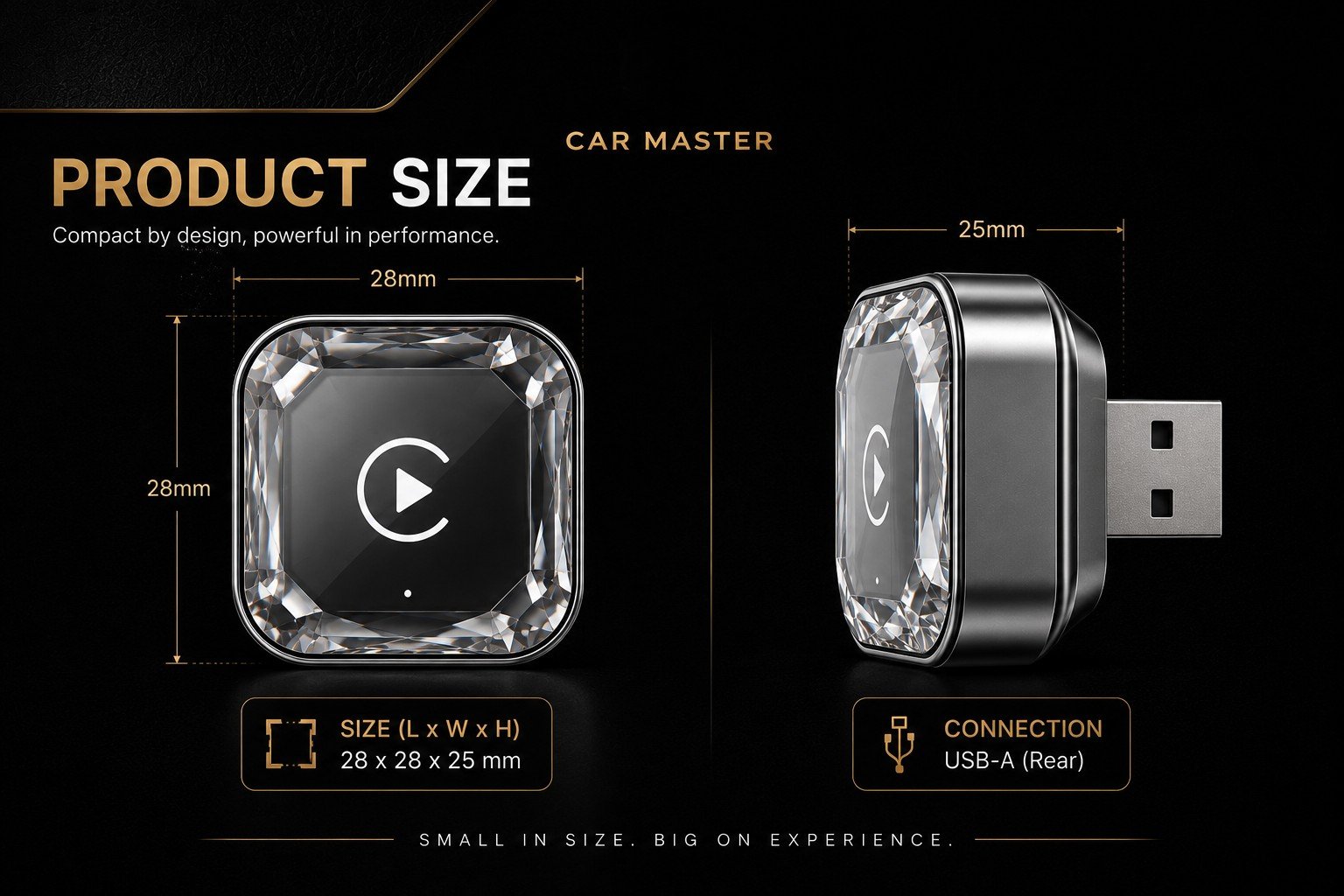
What Is CM Aura?
CM Aura is a wireless connectivity adapter designed for vehicles that already support wired Apple CarPlay.
The device connects to your car’s original USB port and communicates with your smartphone wirelessly.
Once the initial connection has been completed, your compatible iPhone can connect to CarPlay without requiring a USB cable every time you enter the vehicle.
CM Aura is designed to work with your car’s existing infotainment system, so you can keep the original screen and factory interface while adding wireless connectivity.
How Does CM Aura Work?
Using CM Aura is simple.
1. Connect CM Aura to Your Car
Plug the CM Aura adapter into the USB port that your car normally uses for wired Apple CarPlay.
2. Pair Your Smartphone
Follow the connection instructions to pair your compatible smartphone with CM Aura.
3. Enjoy Wireless CarPlay
After the initial setup, your smartphone can connect to CarPlay wirelessly whenever you enter the vehicle.
This means no more reaching for a USB cable every time you want to use Apple CarPlay.
CM Aura vs. Traditional Wired CarPlay
The main difference is how your smartphone connects to the vehicle.
| Feature | Wired CarPlay | CM Aura |
|---|---|---|
| USB cable required | Yes | No for normal wireless use |
| Apple CarPlay | Yes | Wireless |
| Android Auto | Depends on vehicle/system | Wireless Android Auto |
| Installation | Built into vehicle | Connect adapter to USB |
| Cable clutter | More | Less |
| Original car screen | Yes | Yes |
CM Aura doesn’t replace your car’s original display. Instead, it is designed to add wireless connectivity to a compatible existing system.
CM Aura by CAR MASTER — Wireless connectivity, without replacing your original screen.


